The scenario
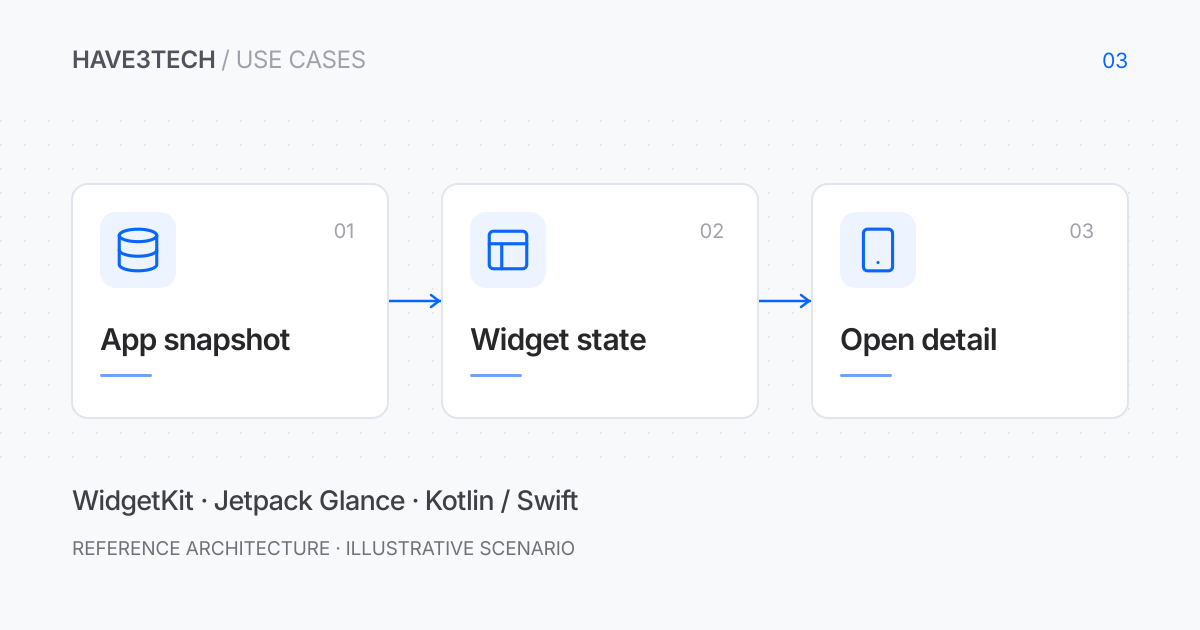
Consider a product dashboard that people open mainly to check one status or number. A home-screen widget could make that information available at a glance, then open the relevant screen when more detail is needed. This example would prioritize a dependable snapshot and sensible privacy defaults over trying to reproduce the entire application inside a widget.
Publish a deliberately small view of the account
The main app would prepare a widget-specific snapshot containing the selected item, display value, freshness timestamp, and a navigation reference. It would avoid copying the full account database into shared extension storage. A separate signed-out or unavailable snapshot would prevent old content from appearing after logout.
Widget configuration would let a person choose the relevant item. The renderer would handle missing, stale, and deleted selections explicitly. Sensitive values could be hidden by default or replaced with a neutral summary, according to the product’s display policy.
Work within the operating system’s update model
WidgetKit timelines could describe known upcoming display states, while Jetpack Glance would render Android widget content through its own supported components. The two platforms would share the meaning of a state, rather than an assumption that the app’s existing screens can be reused unchanged.
Updates would follow platform scheduling and available execution opportunities. The widget would show when its snapshot was last refreshed and remain understandable if no new data arrives. A continuously ticking real-time dashboard would be a different requirement, not something to imply with an aggressive polling loop.
What to validate
- Each supported size presents a useful and readable state.
- Stale data is visibly different from a fresh value.
- A widget cannot reveal the previous account after logout.
- Tapping a deleted or inaccessible item has a clear fallback.
The tradeoff
Widgets improve access to a narrow piece of information, but add separate lifecycle and layout work. A product should choose one useful glanceable task before expanding to more widget families or interactive actions.
Technical references
Official documentation supporting the tools and mechanisms discussed above. The proposed architecture is illustrative.