The scenario
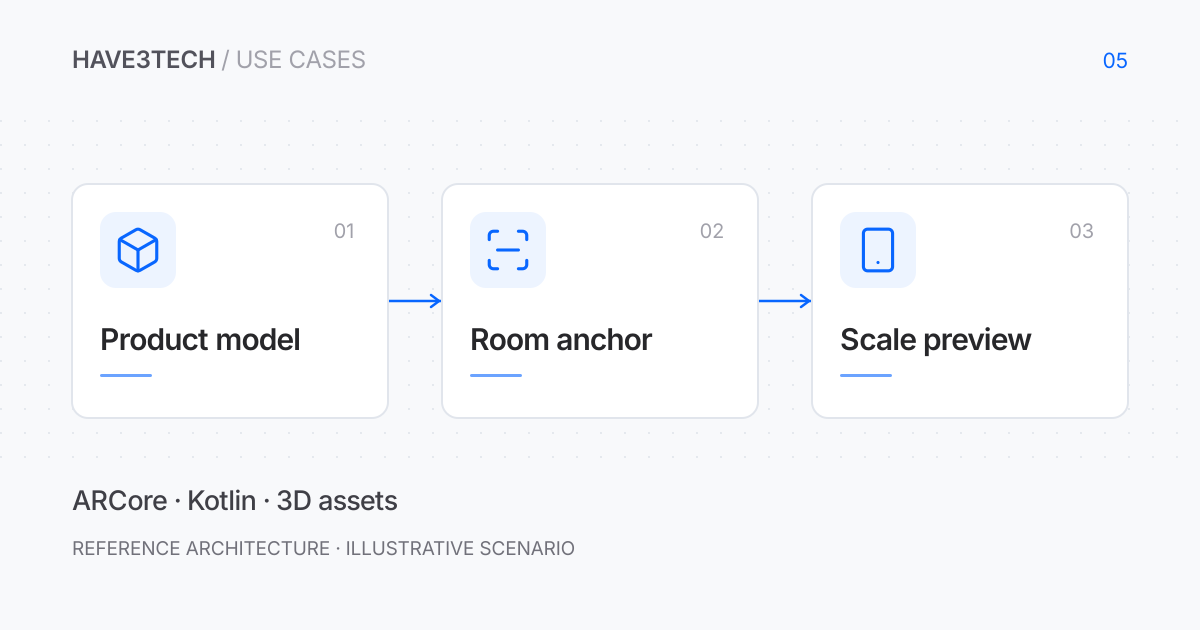
Consider a compact connected device that a customer wants to place on a desk or wall. A mobile preview could help them understand its approximate size and appearance before choosing a variant. This example would use augmented reality as an aid to product exploration, while keeping physical dimensions and installation requirements available outside the camera experience.
Make model dimensions part of the product contract
The asset pipeline would associate each model with a product revision, real-world dimensions, origin, and supported finishes. An export check would catch an incorrect unit scale before a model reaches the app. A lightweight asset could load first, with a documented upper limit for texture and geometry size.
The preview would label its purpose and preserve access to the specification sheet. Visual placement would not establish mounting suitability, electrical clearance, or installation approval. Accessories and required space could be shown as separate layers so the device is not presented as smaller than the installed product.
Place a model only when the tracking state supports it
The app would guide a person through scanning a suitable surface, then use a hit test to choose a placement pose. An ARCore anchor would connect the placed model to the estimated environment. Related parts would share an appropriate anchor so they do not drift independently.
Tracking quality would be visible. Poor lighting, featureless surfaces, or a paused session would offer guidance instead of leaving a frozen image that looks precise. Moving or deleting the product would release anchors no longer needed. A product change would replace the model without leaving hidden scene objects accumulating.
Keep product exploration usable without AR
Unsupported devices or denied camera access would receive a normal product view with dimensions and rotatable imagery where available. Camera permission would be requested when the person chooses AR. The reference version would process the preview locally and avoid uploading room images.
Validation would compare the rendered model with a known physical dimension on several devices. Tests would rotate the screen, background the app, lose tracking, and switch models repeatedly. Performance checks would include warm devices and longer sessions, rather than judging the experience only from a short demonstration.
What to validate
- Asset units and displayed product dimensions agree.
- Tracking loss is visible and does not imply precise placement.
- Replacing a model releases unused anchors and resources.
- Unsupported hardware and denied camera access retain a useful product view.
The tradeoff
AR can make scale easier to understand, but the result depends on tracking, assets, lighting, and the device. It should support a product decision alongside accurate dimensions, not replace physical installation checks.
Technical references
Official documentation supporting the tools and mechanisms discussed above. The proposed architecture is illustrative.